How to update Website Pro+ Welcome section

SEO Information

Keep your information concise and clear in this Website Pro+ design.

Aim for a friendly, professional, and informative tone. Including a list of your products or services, your industry, and the locations you serve can significantly boost your search visibility.
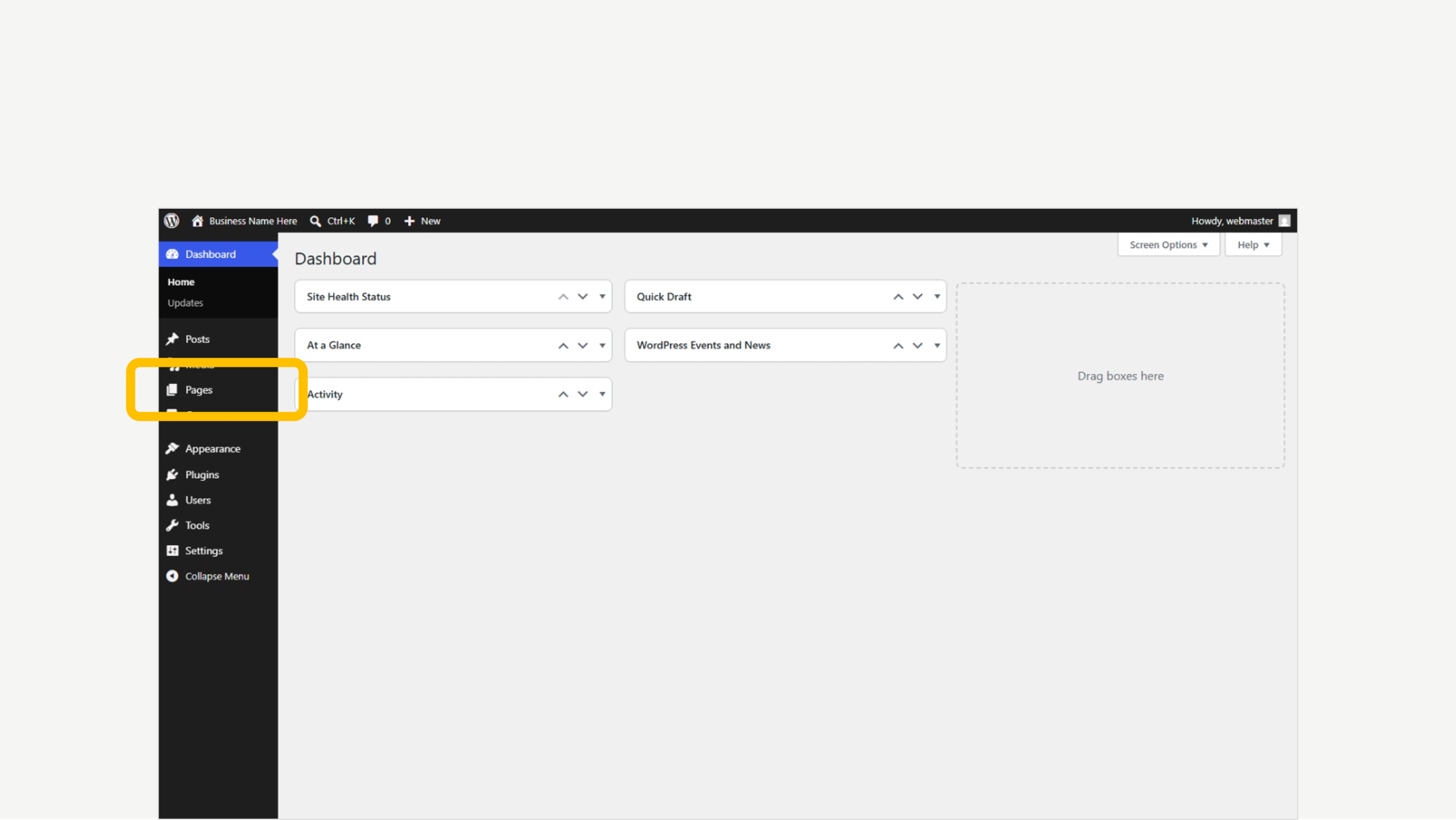
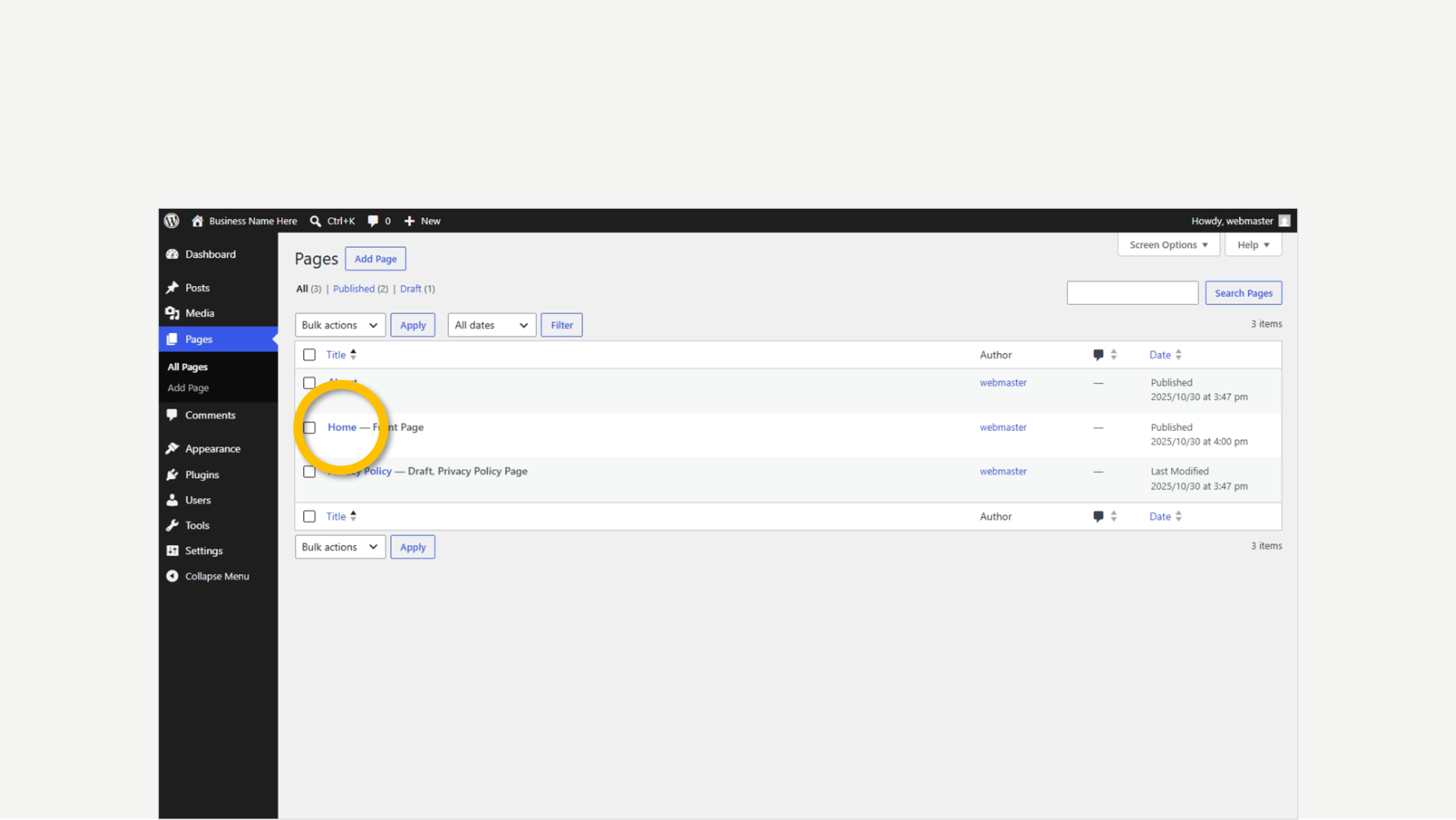
1. Click on Pages

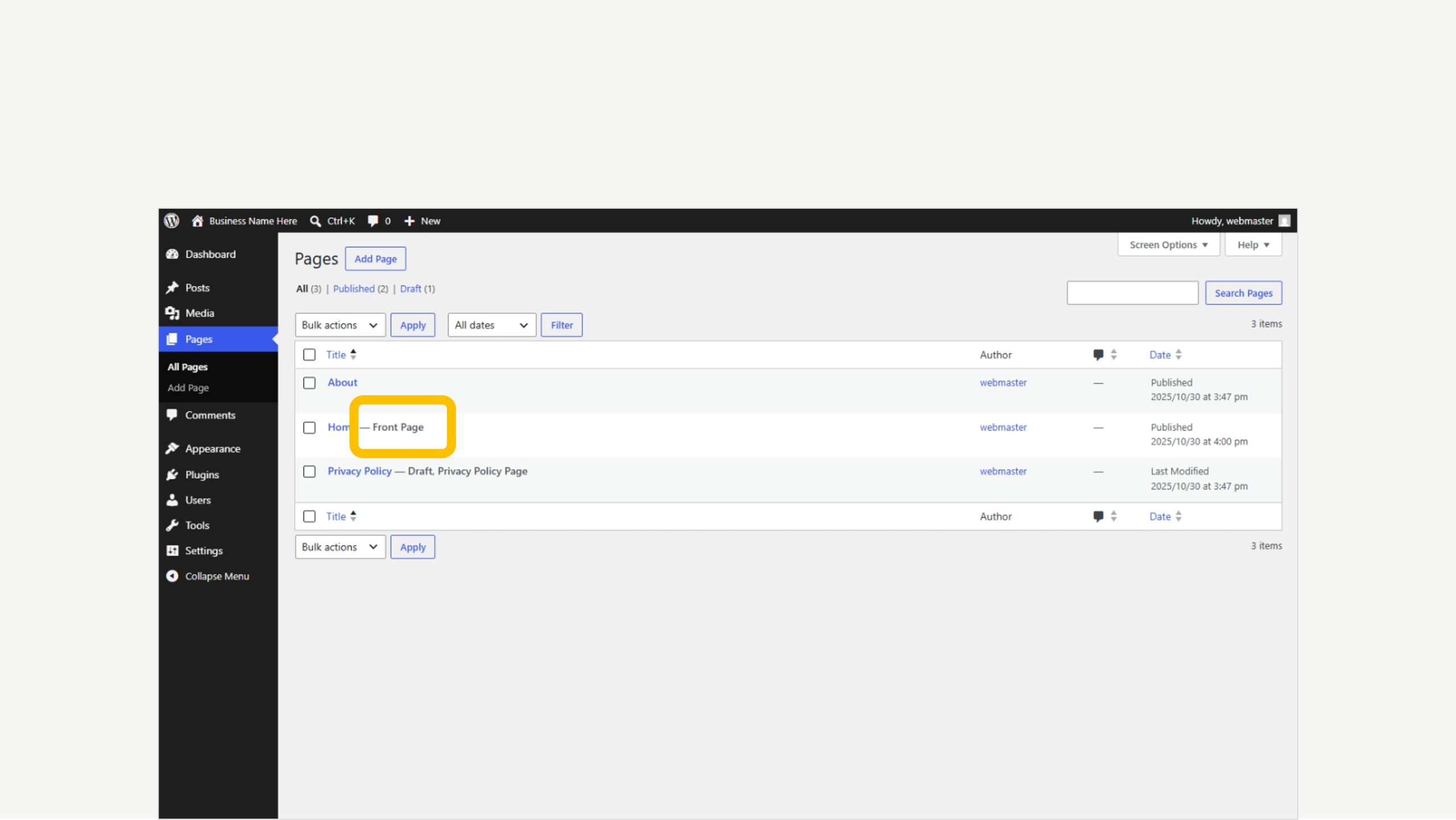
2. Find the ‘Front Page’ tag

3. Click to Edit

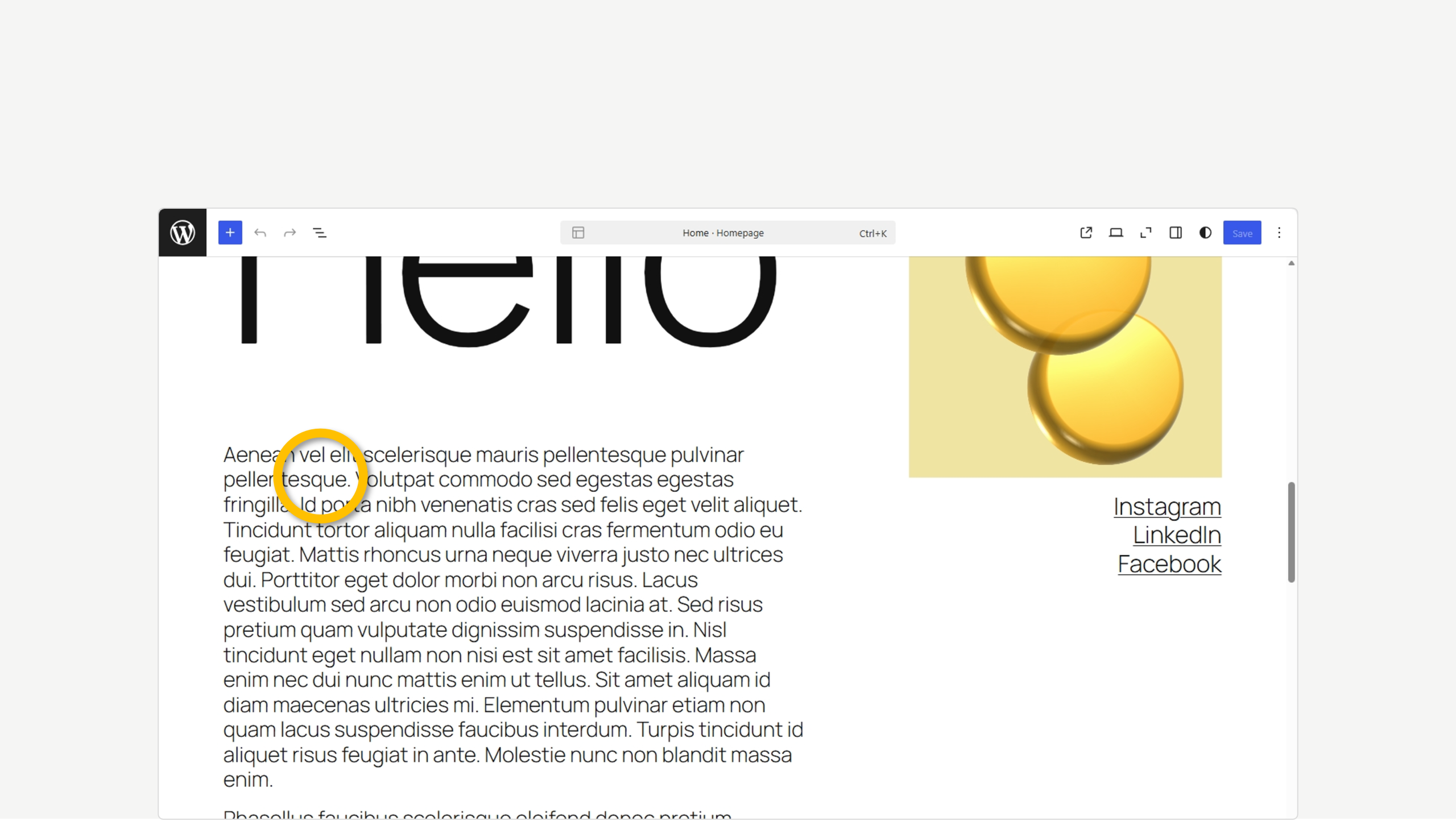
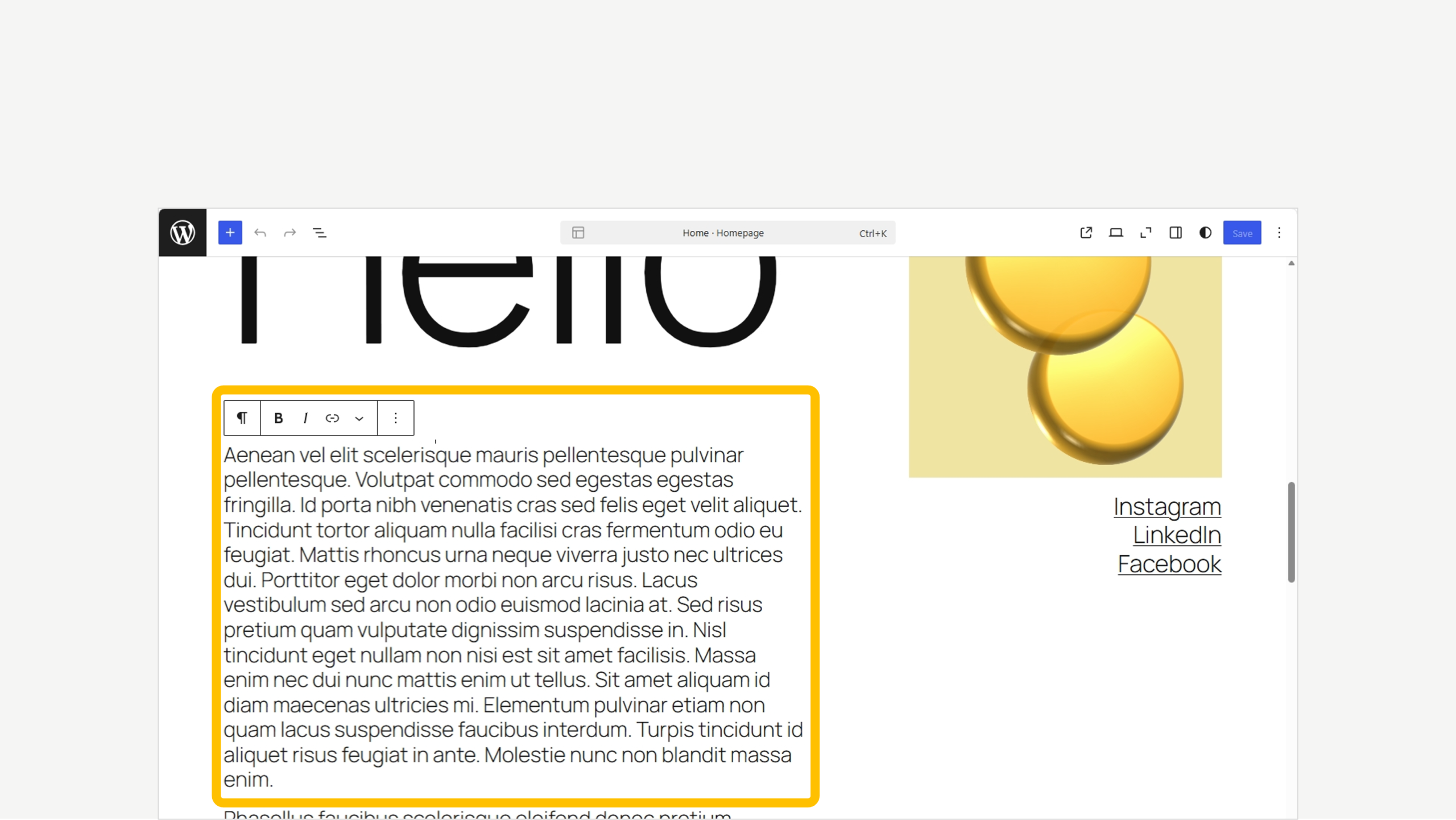
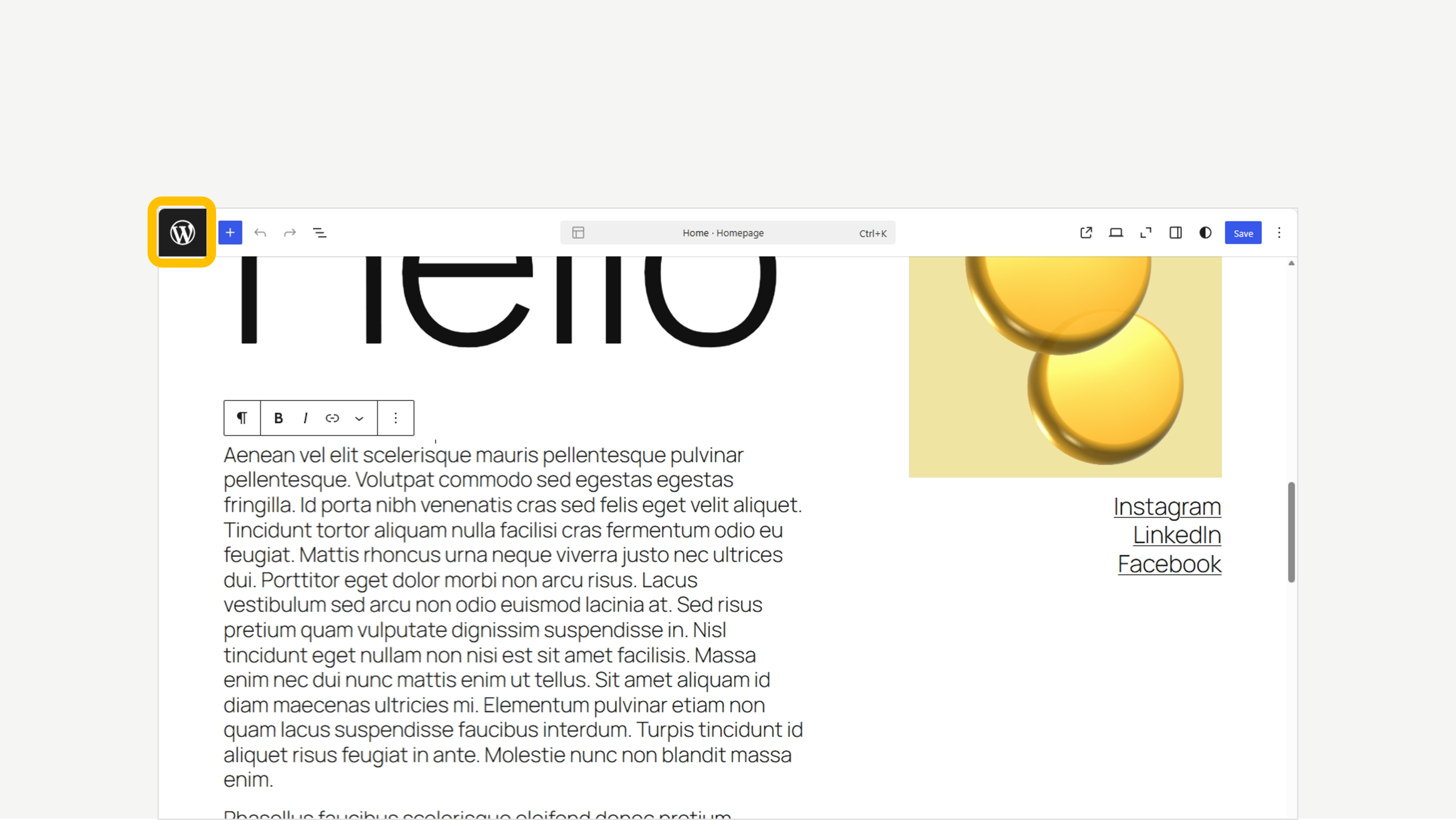
4. Click the text block

5. Make updates

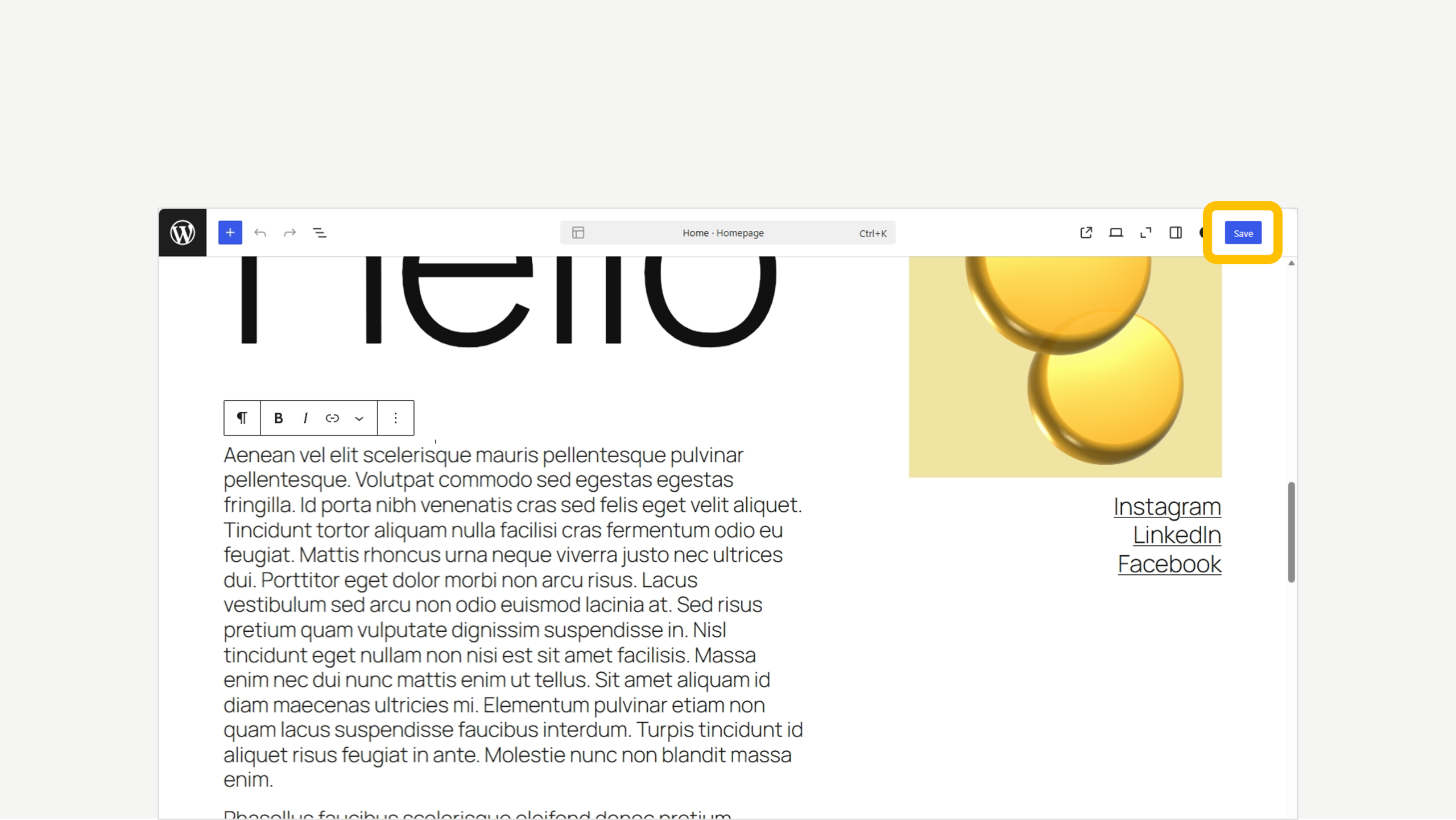
6. Click on Save when ready

7. To exit click the WordPress icon

We’re here to help

Get support for all Fectiv products or connect with a Fectiv specialist.