How to update Website Pro+ social links
Lead Generation
If you have social pages, this is the perfect hub to direct customers to your profiles. This will guide you through the steps to integrate your social pages seamlessly on the Website Pro+ design.
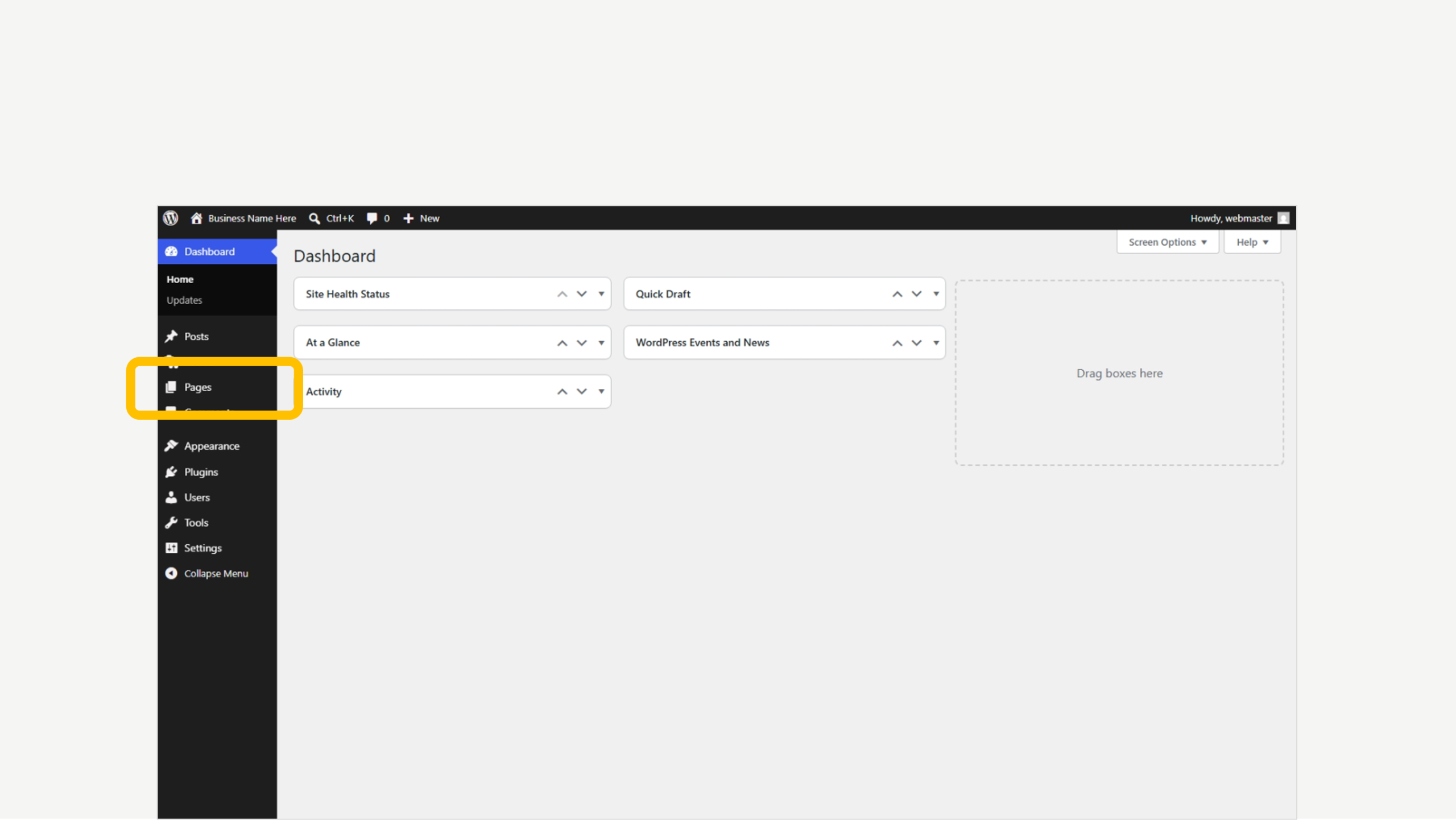
1. Click on Pages
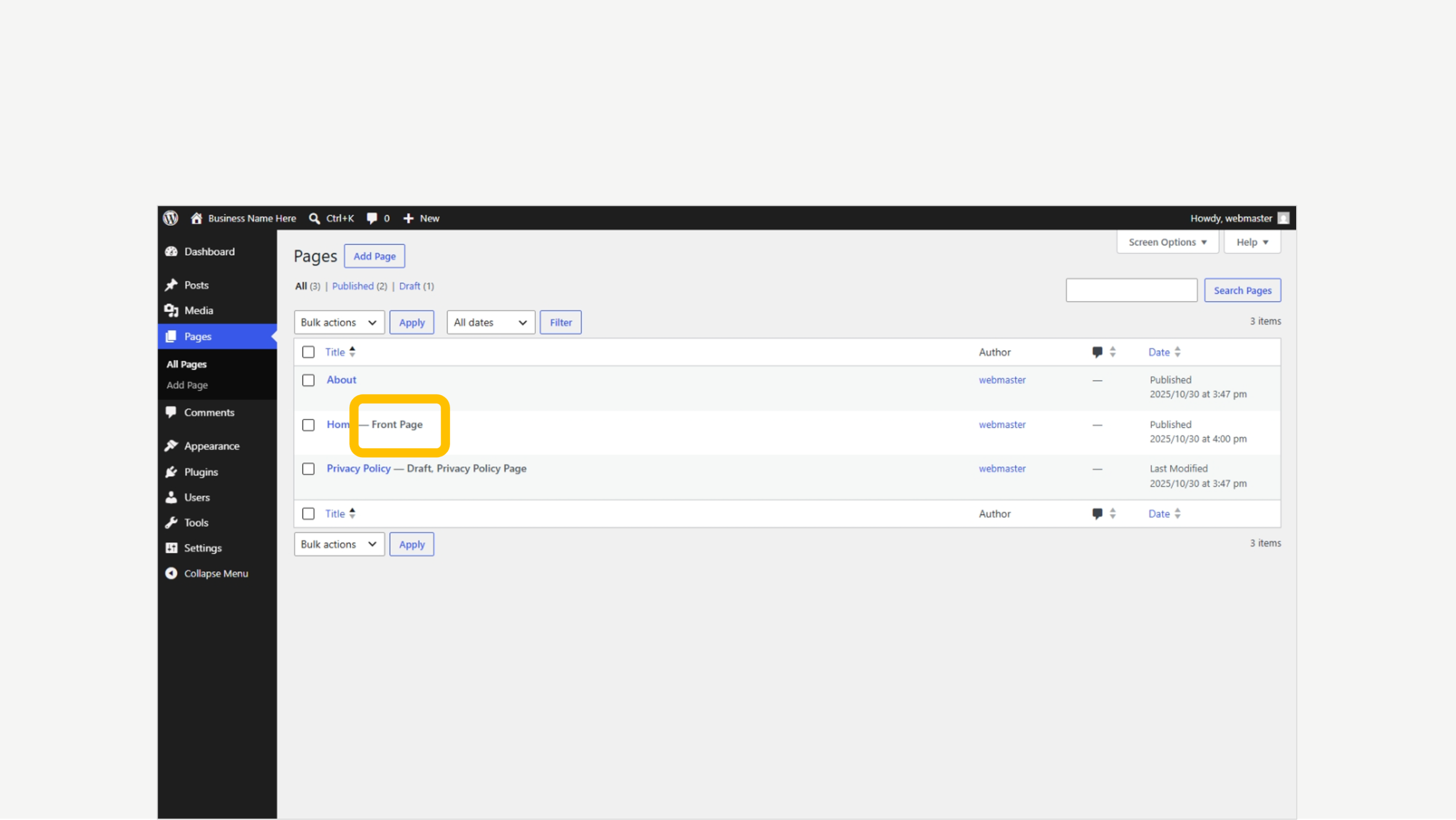
2. Locate the ‘Front Page’ tag
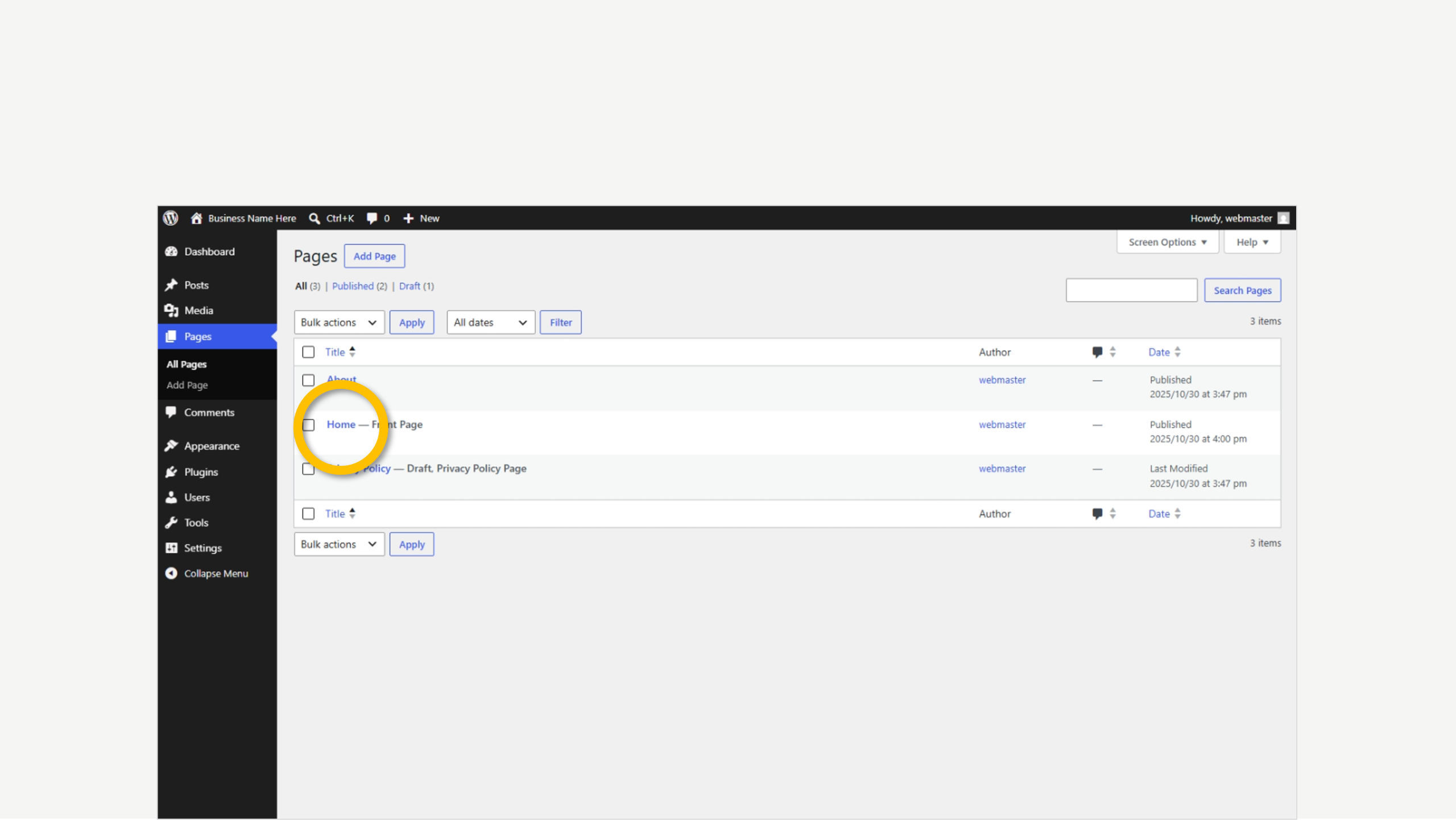
3. Click the page to edit
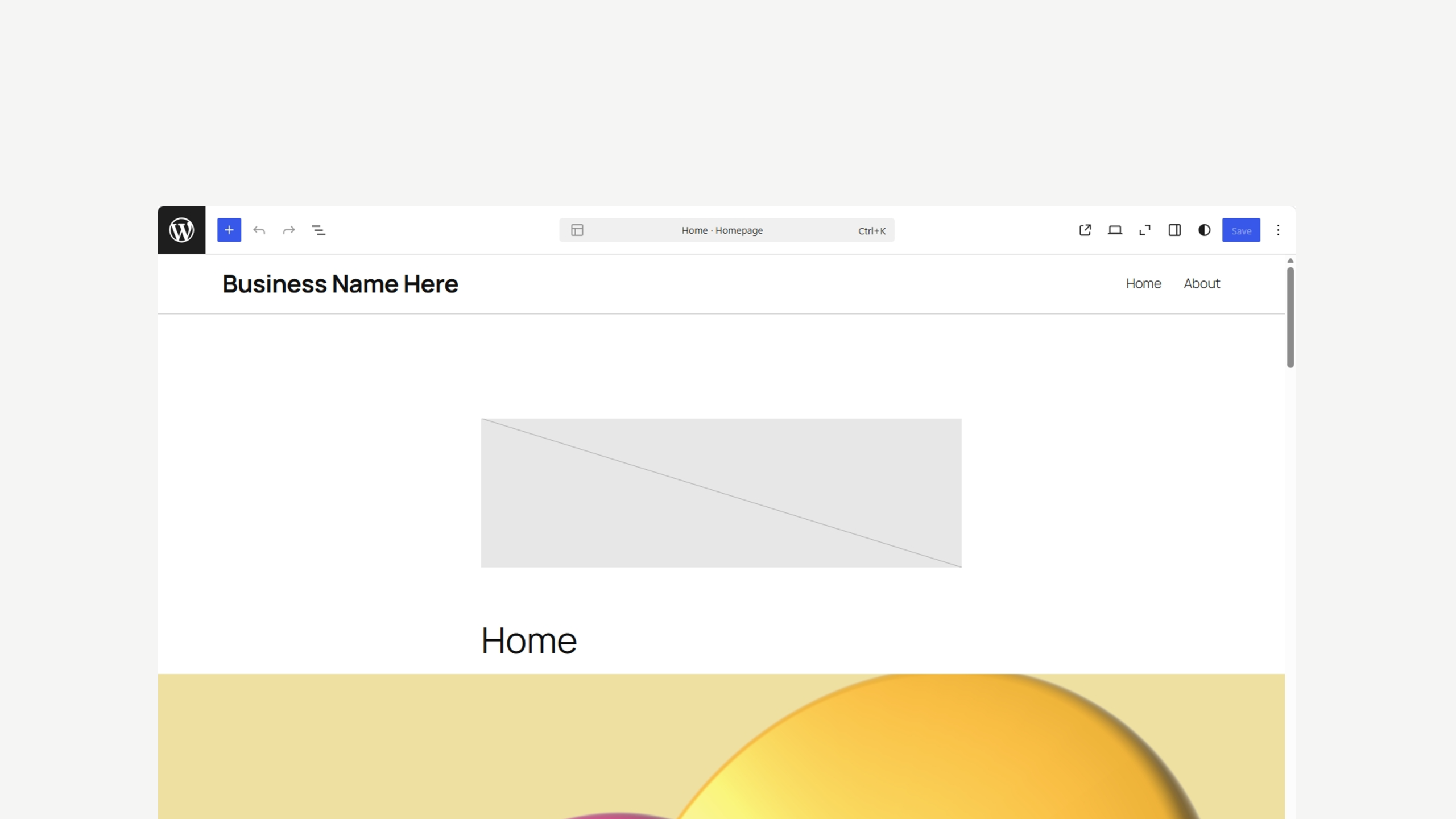
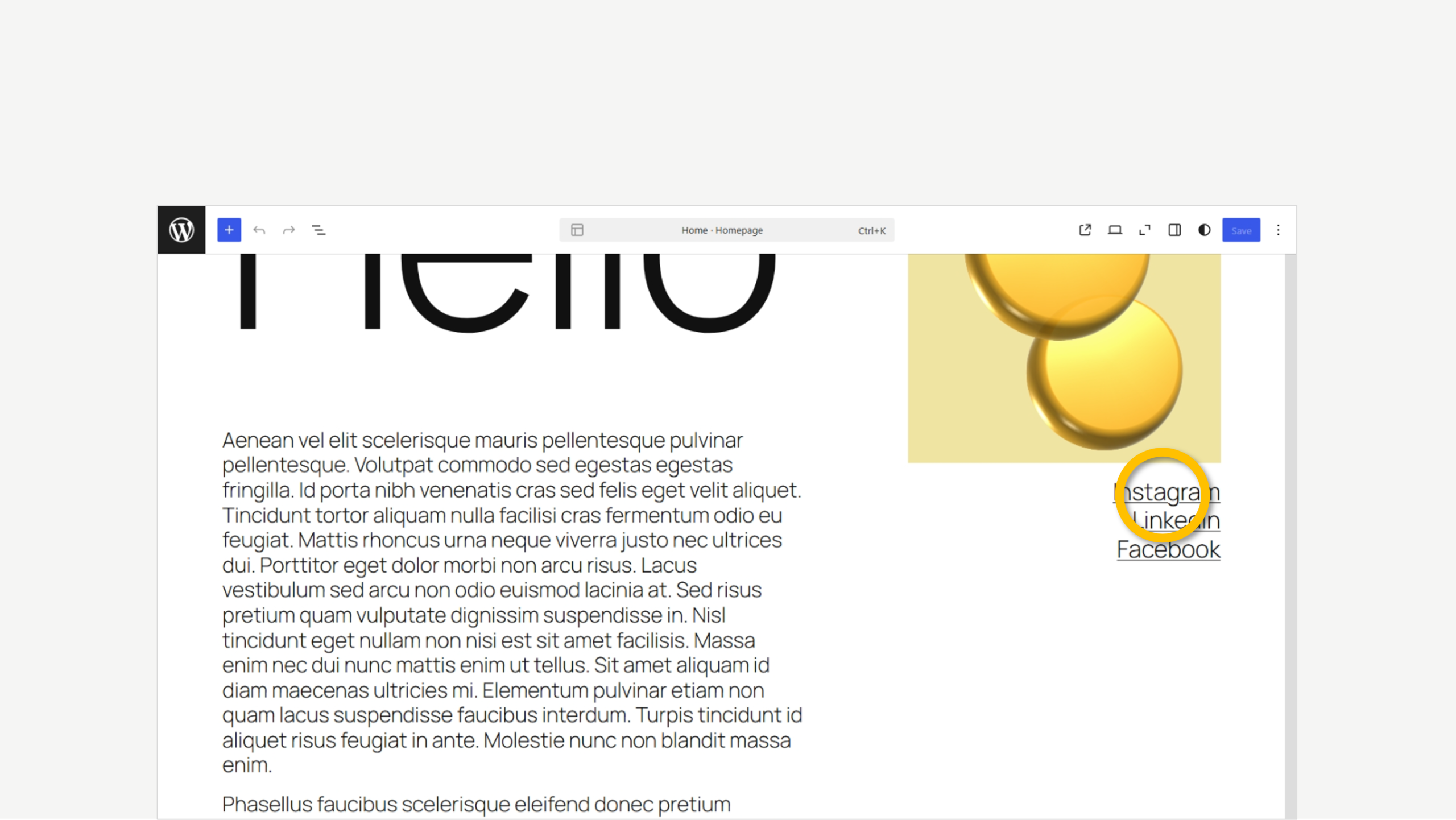
4. Scroll down
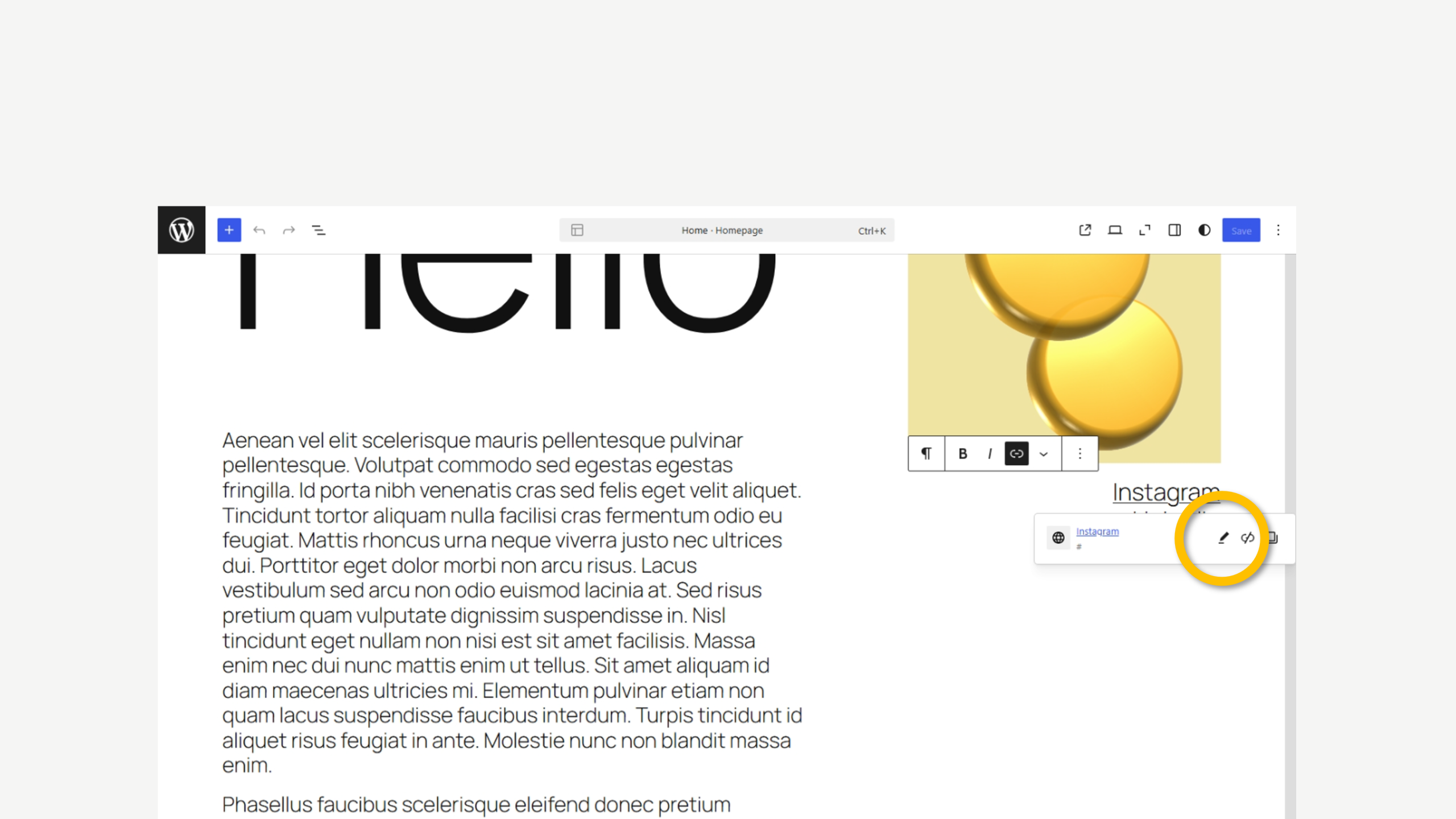
5. Click on a social link
6. Click the ‘Pencil’ icon
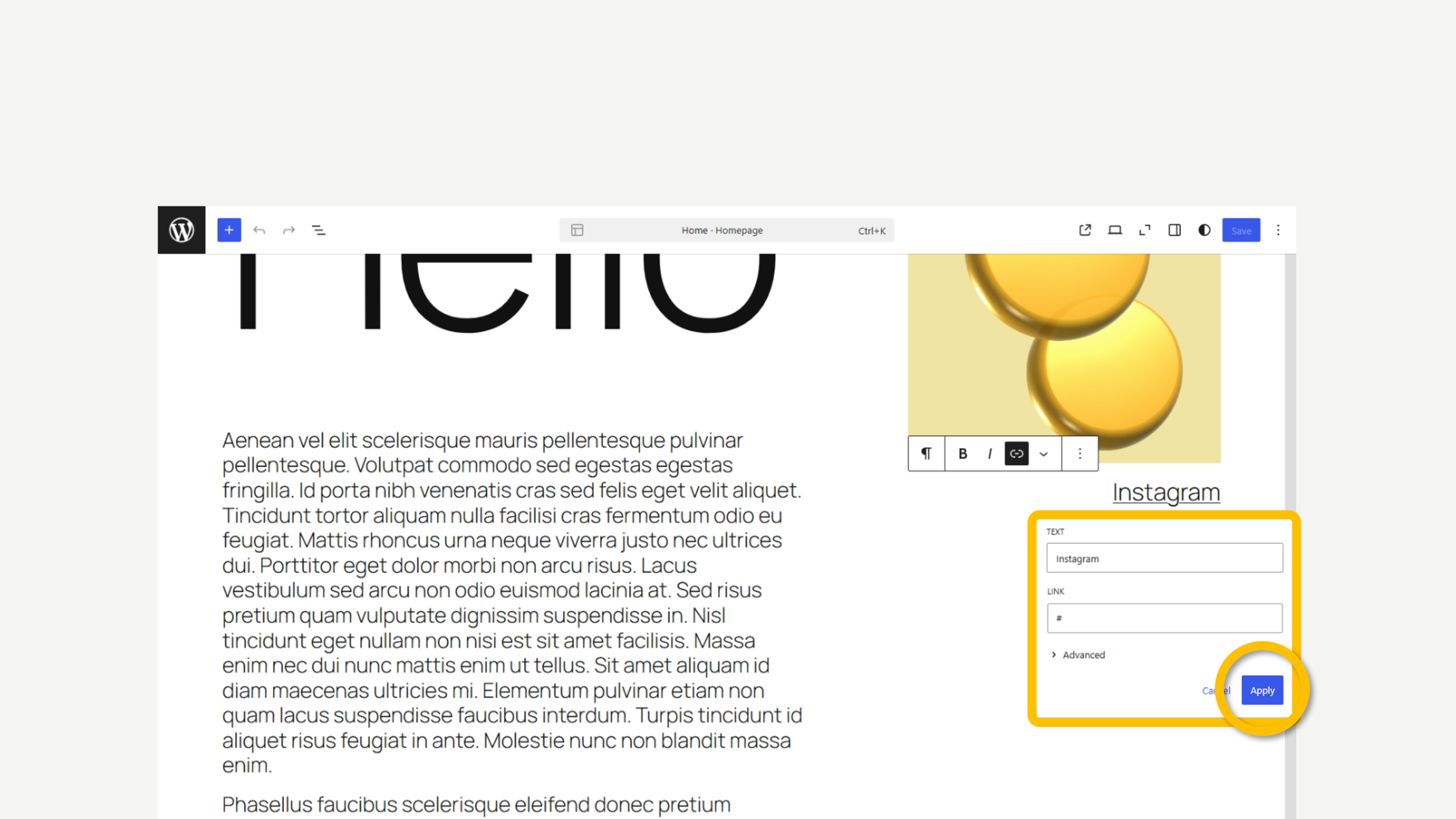
7. Update and then click ‘Apply’
We’re here to help
Get support for all Fectiv products or connect with a Fectiv specialist.
How Website Setup WorksHow Email Setup WorksHow Ecommerce Setup WorksSite Update GuidesAfter Setup ServicesAccount Support